

Game developers know that graphics may grab attention, but audio is what truly immerses players in virtual worlds. From powerful soundtracks to dynamic effects, audio tools play a crucial role in building immersive worlds.
Finland, home to both innovative indie teams and established AAA studios, relies heavily on professional solutions to achieve this standard. This article explores the top 9 game audio tools in Finland, pros and cons, and system requirements so developers can make the right choice for their projects.
Key Takeaways
- The best audio tools integrate smoothly with engines like Unity and Unreal, keeping workflows efficient.
- FMOD, Wwise, and Cubase stand out as the most trusted tools, offering the strongest mix of features and industry adoption.
- Spatial and binaural solutions are becoming essential as VR and AR projects expand in Finland.
- Licensing options differ widely, with some tools free for indies and others requiring major investment.
- Longstanding systems such as Miles remain valuable thanks to broad platform compatibility.
What Is a Game Audio Tool?
A game audio tool is specialized software that helps developers create, edit, and integrate sounds into video games. These tools allow sound designers to manage everything from background music and sound effects to character voices and environmental noises.

Unlike general-purpose audio editors, game audio tools are designed to interact with game engines like Unity or Unreal, ensuring that sounds react dynamically to in-game actions.
By using these tools, developers can add depth and realism to their projects. Whether it’s footsteps echoing in a hallway, the roar of an engine, or the emotional score of a cutscene, audio tools ensure that sounds are clear, optimized, and perfectly synchronized with gameplay.
What Are The Best 9 Game Audio Tools in Finland?
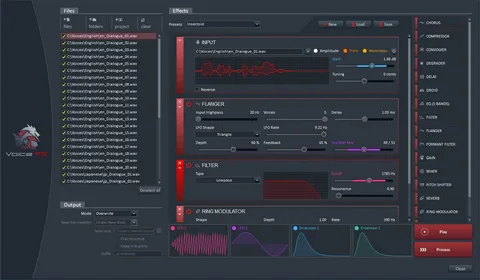
These are Finland’s best 9 game audio tools, carefully picked to help sound designers and game developers choose software that delivers immersive audio, efficient workflows, and excellent integration with game engines:
1. FMOD
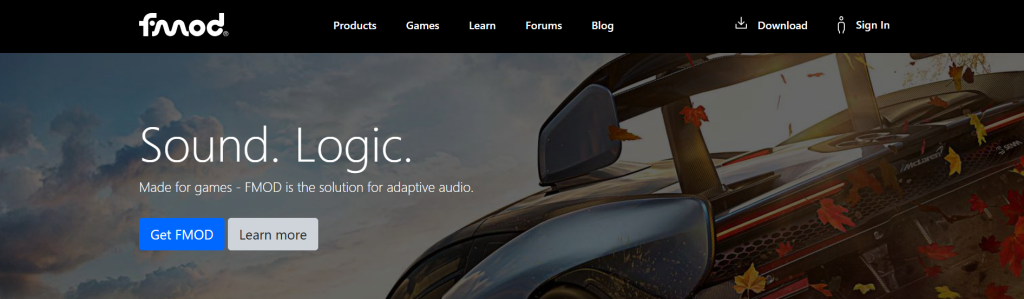
FMOD Studio by Firelight Technologies is one of the most widely adopted audio tools in the gaming world. Used in titles like Forza 5 and Driveclub, it provides powerful features for designing sound generators and effects. Developers benefit from real-time recording, playback, and scrubbing of game audio, plus multi-platform support that makes it suitable for both mobile and console projects.
For indie developers in Finland, FMOD is particularly appealing thanks to its free license for studios with budgets under $100,000. This has made it accessible for smaller teams while still offering professional-level capabilities. Its profiler also tracks CPU usage, parameters, and 3D values, giving detailed insight into sound performance during gameplay.
Pros:
- Free option for indies
- Wide engine and platform support
- Powerful profiler with real-time debugging
Cons:
- Steeper learning curve for beginners
- Advanced features require paid tiers
2. Wwise
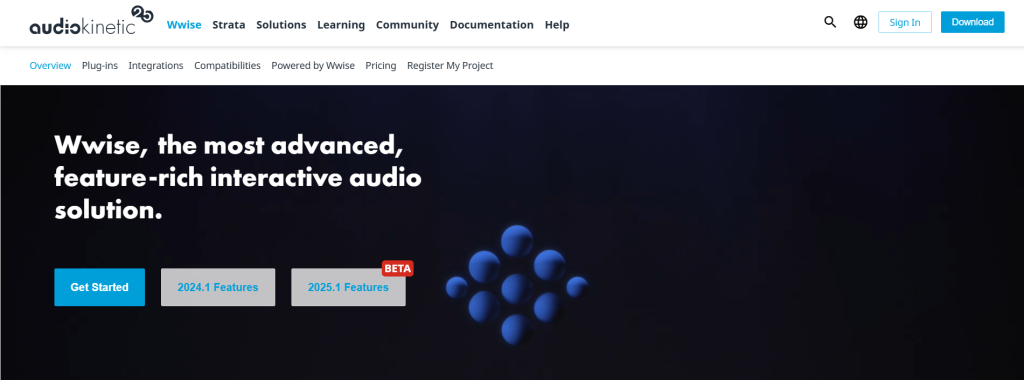
Audiokinetic’s Wwise is another giant in the world of game audio tools. Known for its HDR audio engine and flexible plugin system, it integrates seamlessly with Unity, Unreal, CryEngine, and other engines. Its real strength lies in scalability. Whether you’re a small Finnish studio building an indie puzzle game or a AAA developer working on a global release, Wwise adapts to your workflow.
The licensing model is indie-friendly, offering free usage for projects with fewer than 200 sound files. It also provides access to plug-ins like SoundSeed, which expands creative possibilities. Its cross-platform support (14 platforms in total) ensures that games sound consistent across devices.
Pros:
- Indie-friendly license
- Advanced features like HDR audio
- Compatible with major engines
Cons:
- Complex interface for new users
- Larger projects may require costly licenses
3. Miles Sound System
The Miles Sound System, developed by Rad Game Tools, has been trusted since 1991 and licensed in over 5,000 games. Despite its age, it continues to evolve, supporting both legacy and next-gen consoles. The system integrates 2D and 3D audio, environmental reverb, and advanced DSP filtering, making it versatile for different genres.
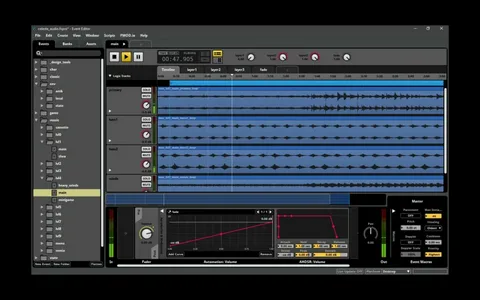
Its latest version improves sound debugging and iteration, letting developers capture and replay audio events. This is especially useful for QA testing in Finland’s competitive game industry. With optimized decoders for MP3, Ogg, and Bink Audio, Miles ensures efficient performance across platforms.
Pros:
- Proven track record in thousands of games
- Strong support for both legacy and modern platforms
- Powerful soundscape debugging features
Cons:
- The interface looks dated compared to newer tools
- Not open-source, requires licensing
4. Fabric

Fabric by Tazman-Audio is built specifically for Unity developers. Unlike external solutions, Fabric works natively within Unity, reducing the need for plugins. It provides a custom user interface and event system that allows sound designers to create complex behaviors without heavy coding.
Since it’s fully written in Unity’s scripting language, Fabric supports any platform the Unity engine does. This makes it a go-to choice for many indie studios in Finland that rely on Unity for fast prototyping and deployment.
Pros:
- Native Unity integration
- Simplifies complex audio design
- Flexible event-driven workflow
Cons:
- Limited use outside Unity
- Smaller community compared to FMOD/Wwise
5. AstoundSound
GenAudio’s AstoundSound offers advanced 3D spatial audio for realistic soundscapes. It enables developers to move sounds around the listener in real-time, enhancing immersion. This is especially effective for VR and AR projects, which are growing rapidly in Finland’s gaming scene.
AstoundSound supports integration with FMOD, Wwise, and XAudio2, giving developers flexibility in their audio pipeline. Its tools include processors for stereo expansion, fold-down mixing, and real-time 3D positioning.
Pros:
- True-to-life 3D spatial audio
- Works across mobile to high-end platforms
- Compatible with popular middleware
Cons:
- Licensing costs can add up
- Requires technical know-how for integration
6. Audacity
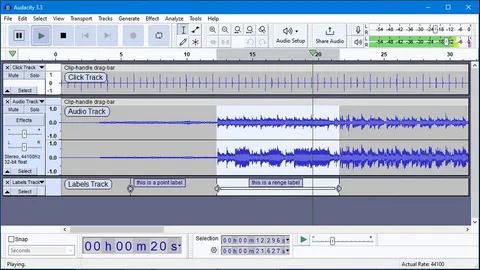
Audacity is the go-to free, open-source tool for recording and editing. While not purpose-built for gaming, many indie developers in Finland use it for sound editing and quick prototyping. Its features include multi-track editing, built-in effects, and support for common file types like MP3, WAV, and FLAC.
Being open-source, Audacity is supported by a global community that frequently updates and adds plug-ins. Although it lacks the advanced game-specific features of FMOD or Wwise, it remains a powerful companion tool in the audio creation process.
Pros:
- Completely free
- Wide format support
- Simple and lightweight
Cons:
- Limited real-time features
- Not optimized for large projects
7. Cubase
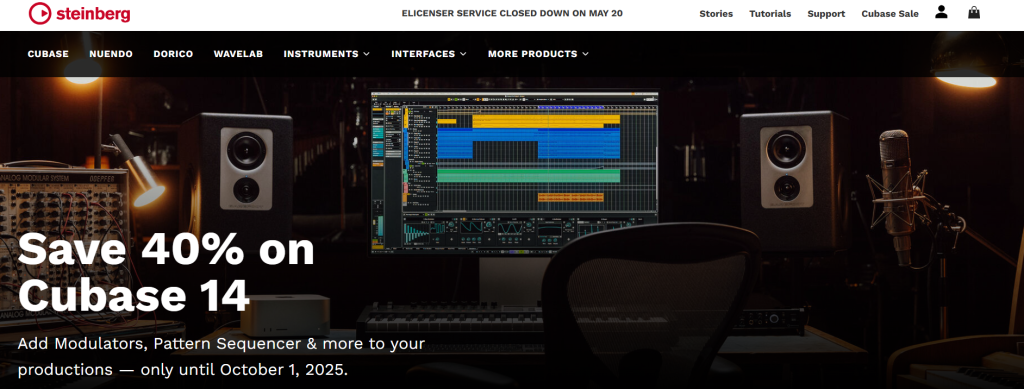
Steinberg’s Cubase is a professional digital audio workstation (DAW) that offers high-resolution recording and editing. With support for 32-bit floating-point resolution and VST Expression, Cubase is ideal for creating detailed orchestral scores or electronic soundtracks.
Finnish developers producing narrative-driven or cinematic games benefit from Cubase’s advanced mixing capabilities. It has been used in titles like Pokémon Black & White and Tron: Evolution, proving its reliability in major productions.
Pros:
- Industry-standard DAW
- High-quality audio engine
- Strong support for VST instruments
Cons:
- Expensive for small teams
- Requires a steep learning curve
8. Steinberg Nuendo
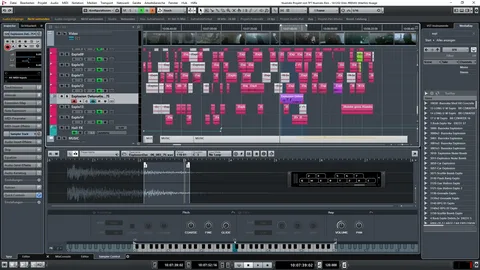
Nuendo is a professional digital audio workstation developed by Steinberg (the same company behind Cubase), but it’s specialized for post-production and game audio.
It offers features like interactive audio, Dolby Atmos mixing, and deep integration with middleware such as Wwise. For developers aiming at AAA-level sound quality, Nuendo is considered one of the top choices.
Pros:
- Advanced post-production features with Dolby Atmos support.
- Game audio workflows with direct middleware integration.
- Highly stable and trusted in professional studios.
Cons:
- Expensive for indie developers or hobbyists.
- Requires a powerful PC setup.
9. SoundSeed
SoundSeed, a plug-in developed by Audiokinetic, brings procedural sound generation to games. Instead of relying solely on pre-recorded sounds, developers can create infinite variations in effects such as wind or impact. This adds realism without bloating file sizes.
For Finnish studios working on open-world games or interactive simulations, SoundSeed’s ability to dynamically adjust sound is invaluable. Licensing ranges from affordable to enterprise, making it scalable.
Pros:
- Procedural audio reduces repetition
- Lightweight and efficient
- Expands Wwise capabilities
Cons:
- Requires Wwise integration
- Paid licensing model
Conclusion
Great audio is the heartbeat of immersive gaming. From Finland’s indie creators to AAA developers, these nine tools empower sound designers to push the boundaries of creativity.
Whether you’re looking for a free, open-source option or a professional DAW, the right combination of software can elevate any project. By investing in any of the discussed audio tools, developers ensure their games resonate literally and emotionally with players worldwide. So, evaluate your needs and choose the toolset that best aligns with your project’s scale, budget, and creative vision.
FAQs
Which game audio tool is best for indie developers in Finland?
FMOD and Wwise are ideal since they offer free or budget-friendly licenses for smaller studios. Audacity is also a reliable option for basic editing without extra cost.
Are these tools suitable for VR game development?
Yes, tools like AstoundSound are designed for spatial audio and 3D positioning. They create immersive soundscapes that are perfect for VR and AR projects.
Do I need multiple tools or just one?
Most studios benefit from using a combination of tools. For example, Cubase is great for composing, while FMOD or Wwise handle integration, and Audacity supports quick editing tasks.
How much do professional licenses cost?
Pricing varies widely depending on the tool. Some are free for indies, while advanced solutions like Cubase or Wwise enterprise editions can cost a lot.
Can Finnish studios use these tools for international projects?
Yes, these tools are industry standards used worldwide. Finnish developers can rely on them for projects aimed at both local and international markets.
